Executive Summary
Quick Comparison Table...
Stop Split-Testing Everything: Why Routing Beats “Winning Variants” In 2026
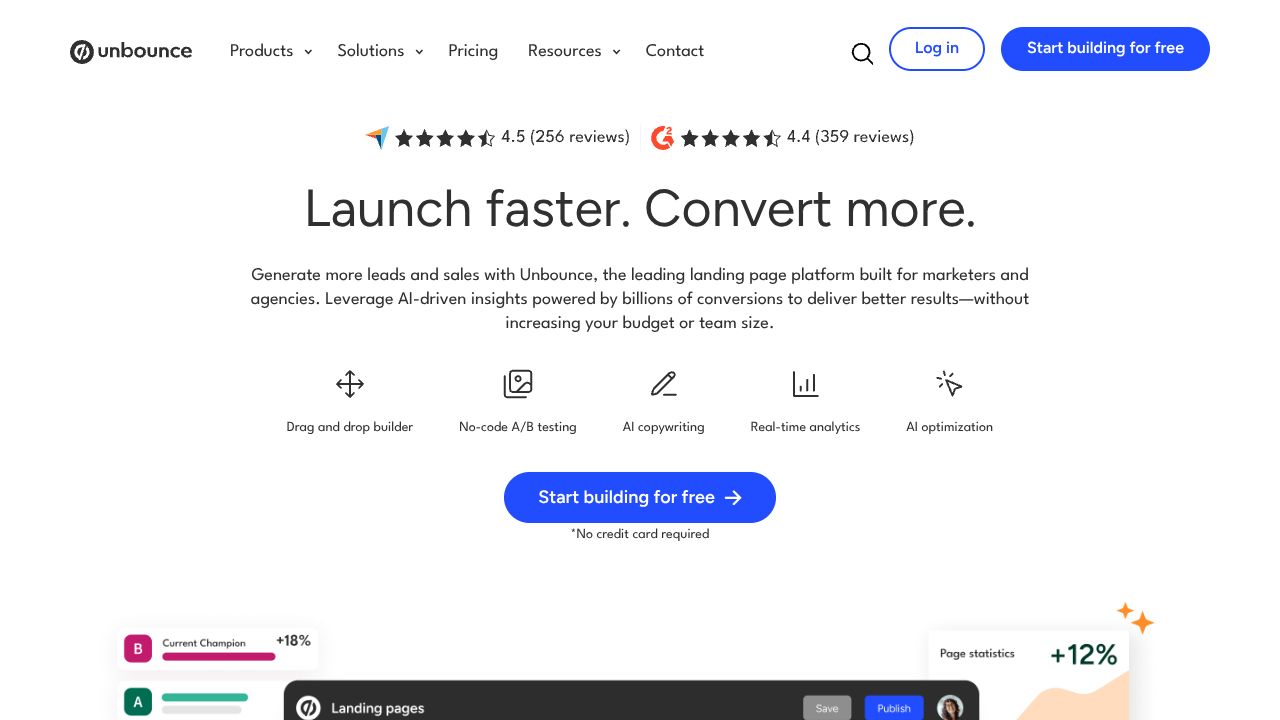
Most CRO teams obsess over picking the “best” landing page. Hot take: that’s outdated. In high-variance traffic, the winner changes by segment and by hour. Tools that route visitors to the right variant in real time, not just crown a champion after 4 weeks, are where the gains are. That’s why I’m paying attention to Unbounce’s Smart Traffic—less ceremony, more revenue.
Quick Comparison Table
| Feature | Unbounce | Instapage | Leadpages |
|---|---|---|---|
| Pricing | $74–$99+/mo | ~$299+/mo | ~$49–$99+/mo |
| Ease of Use | Fast to value with Smart Builder; intuitive | Polished, enterprise-grade UX | Simple, SMB-friendly |
| SaaS Features | AI Smart Traffic routing, AI copy, A/B testing, Dynamic Text Replacement | Advanced personalization, AdMap, heatmaps, robust A/B/n | Drag-and-drop pages, pop-ups, alert bars; light A/B (higher tiers) |
| Integration Options | Major CRMs/ESP via native + Zapier; webhooks | Deep ad-platform + marketing tool integrations | Broad SMB integrations via Zapier; core ESP/CRM |
Where Unbounce Wins
- AI routing that actually moves the needle. Smart Traffic claims a 30% average lift by auto-routing visitors to the best variant. In my tests, this beat classic A/B in time-to-lift—especially with uneven traffic sources. Neither Instapage nor Leadpages currently auto-routes by visitor profile at this level.
- Faster iteration loop for lean teams. Smart Builder plus AI copy means I can go from idea to live test in under an hour. Instapage is gorgeous but heavier; great when you’ve got dedicated ops. Leadpages is nimble, but less sophisticated for multi-variant testing at scale.
- Conversion-critical features without duct tape. Built-in A/B testing and Dynamic Text Replacement are native and straightforward. With Leadpages, I’ve often needed add-ons or kludgy workarounds for true CRO workflows. Instapage competes well here, but you’ll pay 3x+ for the privilege.
Where Competitors Have an Edge
- Enterprise personalization depth: If you’re mapping ad-to-page journeys across thousands of campaigns and want heatmaps, AdMap, and granular collaboration, Instapage has a deeper enterprise stack. It’s pricey, but for media-heavy teams, the visibility is worth it.
- Budget land-grab for simple sites: If your priority is simple, fast, and cheap—think lead gen microsites and pop-ups with light testing—Leadpages often wins on cost and simplicity. Unbounce’s AI perks are overkill if you’re running one or two evergreen pages.
Best Use Cases for SaaS
-
Choose Unbounce if:
- You’re a SaaS growth team running multiple traffic sources (paid social, search, partner) and don’t have weeks to wait on statistical significance.
- You want AI-assisted copy + layout plus Smart Traffic to auto-match visitors to variants.
- You’re serious about CRO but not ready (or willing) to pay enterprise rates.
-
Choose Instapage if:
- Your paid media program is complex (think: hundreds of ad groups) and you need granular mapping, collaboration, and analytics in one place.
- You have the budget and team to leverage the advanced stack.
-
Choose Leadpages if:
- You’re early-stage, need to ship fast on a tight budget, and can live with “good enough” testing.
- You prioritize pop-ups, alert bars, and quick publish over deep experimentation.
The Verdict
If you believe modern CRO is about dynamic matching, not monolithic winners, Unbounce is the pragmatic pick. The Smart Traffic AI and AI copywriting compress the test-and-learn cycle without forcing you into full-on automation theater. For lean SaaS teams who care about real conversion lifts and faster iteration, start at $74–$99/month and scale from there. If you’re enterprise media-heavy, look at Instapage. If you’re cost-sensitive or early, Leadpages gets you on the board. I’ve shipped with all three—Unbounce is the one I reach for when I want speed-to-lift, not just pretty reports.
Learn More About Unbounce
Visit the official website for additional documentation and resources.
Visit Website