Executive Summary
Step 1: Setting Up Your Account - Pick your plan: - Small (£10–£13.50): invoicing, banking, VAT/MTD—perfect for sole traders and freelancers. - Medium...
Automate Your UK Books in an Afternoon with Clear Books
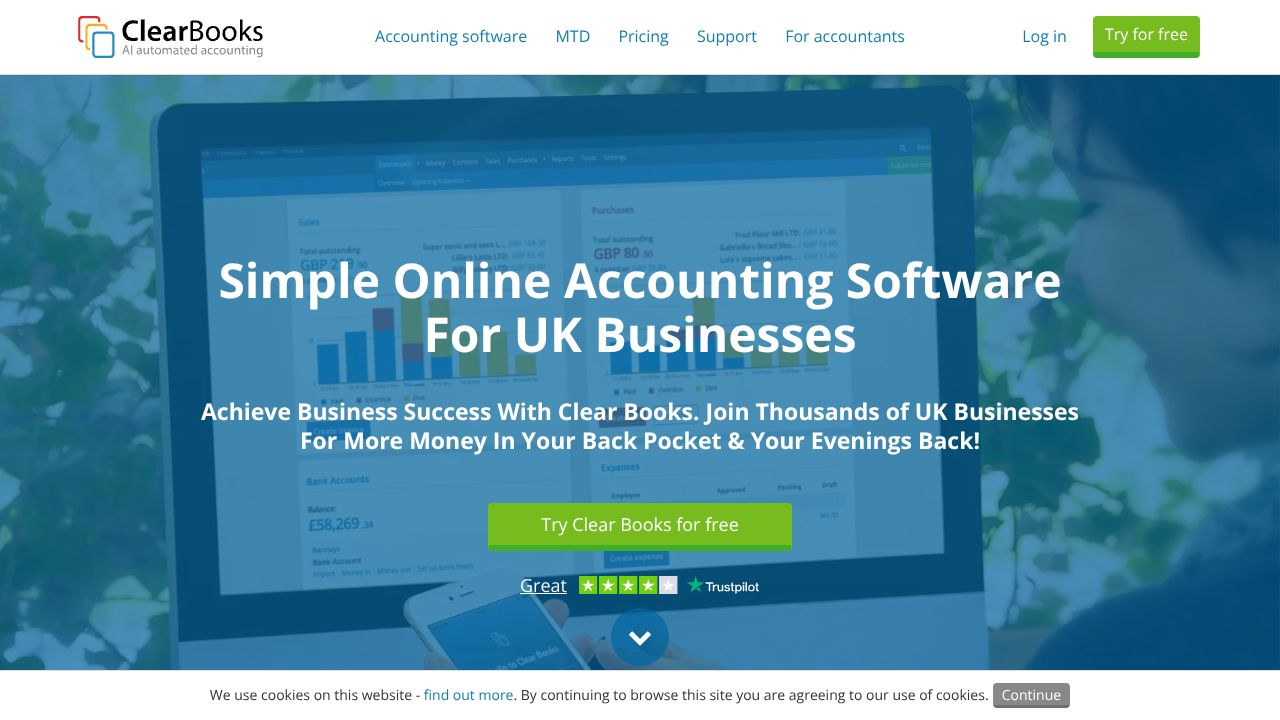
In the next 5 minutes, you’ll learn how to stand up compliant invoicing, bank reconciliation, VAT/MTD filing, and basic payroll in Clear Books—without lighting your weekend on fire. If you’re a UK microbusiness or scrappy SaaS founder, Clear Books hits the sweet spot: low-cost, HMRC-compliant, and simple enough that you won’t need a finance degree. While Zoho Books shines for complex workflows and while SlickPie leans into AI-led simplicity, Clear Books is built for UK reality: VAT, RTI payroll, and open-banking feeds that just work.
Step 1: Setting Up Your Account
- Pick your plan:
- Small (£10–£13.50): invoicing, banking, VAT/MTD—perfect for sole traders and freelancers.
- Medium (£20–£29): adds multi-user access, projects, and unlocks payroll features (payroll is charged as an add-on from £5.40 per employee/month).
- Large (£24–£36): adds multi-currency and advanced reports—useful if you invoice in USD/EUR.
- Company profile: Enter legal name, address, VAT number (if registered), and fiscal year.
- Turn on MTD for VAT: Connect to your HMRC account under VAT settings. Do this before your first return—trust me, last-minute HMRC logins are a special kind of chaos.
- Connect bank feeds: Use secure open banking to link your accounts (Monzo, Starling, Barclays, etc.). This powers auto-reconciliation.
- Customize invoices: Upload your logo, set payment terms (e.g., Net 14), and enable automatic reminders (e.g., 7, 14, 30 days overdue).
- Invite help: If you’ve got a bookkeeper or co-founder, add them as users (Medium+). Multi-user access is worth it the first time someone else chases a late payer for you.
Step 2: Core Features You Need to Know
- Invoices & Quotes
- Create a Quote, convert to Invoice when accepted, and email directly.
- Use line items like “Monthly Subscription – Pro Plan” so reporting stays clean.
- Switch on reminders to reduce “oops, I forgot” excuses and speed up cash flow.
- Bank Feeds & Reconciliation
- Clear Books will suggest matches for incoming/outgoing transactions. Confirm or adjust categories (Sales, Software Subscriptions, Bank Charges).
- For Stripe/PayPal payouts, match the net deposit and record fees as Bank Charges so your margins aren’t lying to you.
- VAT & MTD Filing
- Choose VAT scheme (e.g., Standard) and filing period.
- Run a VAT report, review exceptions, then submit directly to HMRC via MTD.
- Pro tip: Lock the period after filing to prevent accidental edits.
- Payroll (RTI-Compliant)
- Add employees, set pay schedules, and run monthly payroll.
- Submit RTI to HMRC with a click; generate payslips and employer reports.
- Projects & Multi-Currency
- Track revenue and costs by project (e.g., “Onboarding Rewrite Q1”). Great for understanding product initiative ROI.
- On Large, invoice international customers in their currency and let Clear Books handle conversion.
Step 3: Pro Tips for SaaS Professionals
- Build item templates for plans (Starter/Pro/Enterprise) so invoicing takes 30 seconds, not 30 minutes.
- Do a “Finance Friday” ritual: reconcile bank feeds weekly, chase invoices (with reminders doing the heavy lifting), and tag project spend. I do this before kickboxing—fewer bruises, financially and physically.
- If you sell internationally, keep multi-currency on Large and standardize prices in GBP internally so reporting stays consistent.
- Before submitting VAT, share the draft report with your accountant via multi-user access. A 5-minute review beats a 5-hour fix.
Common Mistakes to Avoid
- Skipping MTD setup: Connect HMRC on day one. Don’t discover missing credentials at quarter-end.
- Mixing personal and business spend: Keep a clean business bank feed. If you must reimburse, record it properly as an expense claim or drawings.
- Overcomplicating your chart of accounts: Stick to defaults unless your accountant begs otherwise. Clean categories = clean reports.
How It Compares to Alternatives
- While Zoho Books excels at cross-department automation and a sprawling app ecosystem, Clear Books is better suited for UK microbusinesses that prioritize HMRC compliance and simplicity over breadth.
- While SlickPie excels at AI-driven categorization and a super-light UX, Clear Books is better suited for VAT/MTD and RTI payroll out of the box for the UK.
- While Kashoo excels at straightforward income/expense tracking for solo operators, Clear Books is better suited for scaling from one to ten employees with projects, MTD filing, and optional payroll.
Conclusion: Is Clear Books Right for You?
If you’re a UK-based sole trader, freelancer, or 1–10 person SaaS team, Clear Books gives you compliant invoicing, bank feeds, VAT/MTD, and RTI payroll without the bloat or price tag of QuickBooks or Xero. Start on Small for invoicing and VAT; jump to Medium for multi-user/projects and payroll; go Large if you need multi-currency. My take: it’s enterprise software intelligence, distilled—exactly what a lean SaaS needs to stay compliant and cash-conscious.
Learn More About Clear Books
Visit the official website for additional documentation and resources.
Visit Website