Executive Summary
Architecture & Design Principles CapCut appears to follow a cloud-accelerated, client-optimized architecture. Interactive editing runs locally with GPU-ac...
Manually trimming vertical video is a tax you don’t need to pay: CapCut’s ML-first fast lane for social
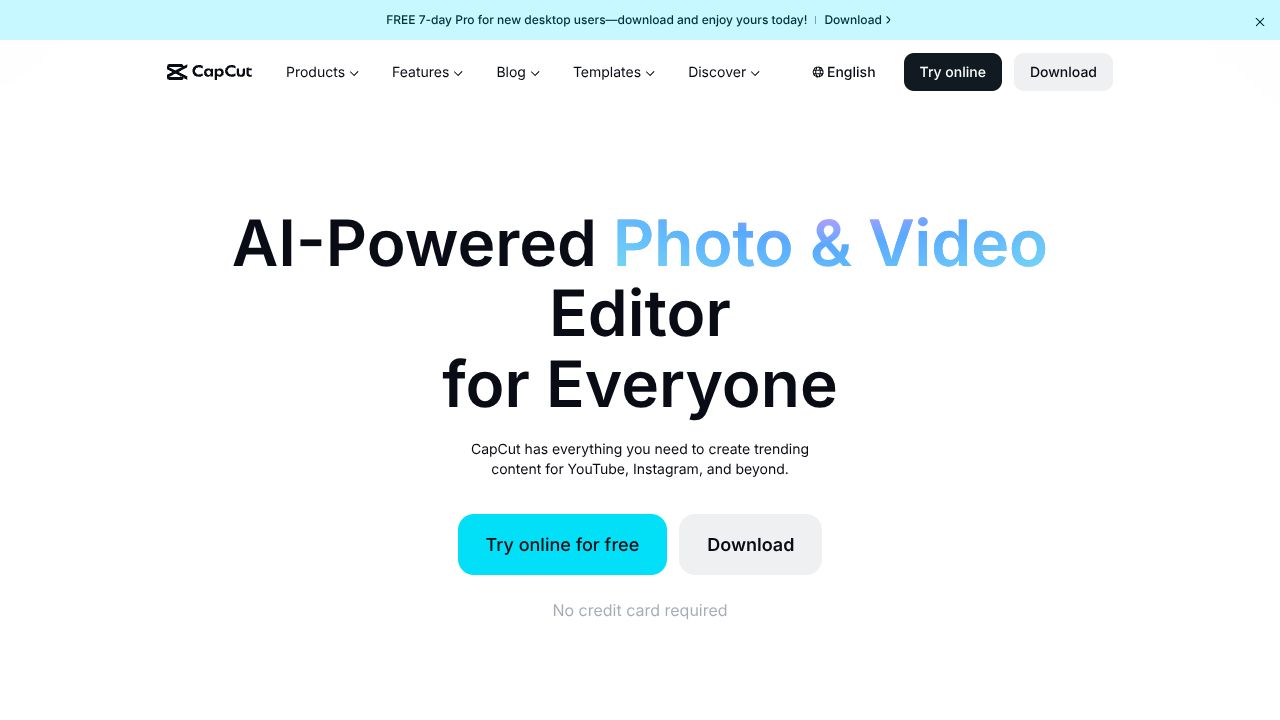
CapCut is the rare combo of “free, fast, and friendly” that actually holds up under daily publishing pressure. It’s a social-first video editor with a heavy assist from lightweight machine learning: auto captions, auto reframe, script-to-video, and long-to-short reformatting that make 9:16 content feel practically automatic. Under the hood, CapCut runs a hybrid model—lean on-device processing for responsiveness, plus cloud inference for heavier AI tasks—surfacing it all through an approachable UI on desktop, web, and mobile. The design philosophy is obvious: eliminate timeline friction, collapse multi-step edits into one-click workflows, and optimize every pixel for TikTok/IG distribution. It’s not a studio-grade NLE—and that’s the point. For creators and small teams shipping daily shorts, speed beats knobs. I can turn around a Reel before my kickboxing cooldown ends.
Architecture & Design Principles
CapCut appears to follow a cloud-accelerated, client-optimized architecture. Interactive editing runs locally with GPU-accelerated decode/encode paths (Metal on macOS, DirectX on Windows, and platform-near codecs like H.264/HEVC), while AI features use a mix of on-device lightweight models and cloud inference. Expect a proxy-first media pipeline: generate lower-res timeline proxies for scrubbing, keep originals in object storage, and promote to full-res on export. The web app likely relies on WebAssembly SIMD and WebCodecs for real-time preview and transitions, minimizing round-trips.
ML services are decoupled microservices: ASR for captions, visual tracking for reframing, shot detection for long-to-short, and TTS/templating for script-to-video. These are likely deployed behind an API gateway with autoscaling (containerized inference via ONNX Runtime/TensorRT or similar) and a job queue for batch renders. Media assets ride a global CDN with region-based caching; projects sync via user-scoped cloud storage. Design tradeoffs skew toward deterministic, “good enough fast” results rather than fine-grained control—perfect for social velocity.
Feature Breakdown
Core Capabilities
-
Auto captions
- Technical: Upload or record, run speech-to-text via an ASR model with VAD, punctuation restoration, and language detection. Word timing is aligned to audio frames, generating caption layers you can edit inline. Export keeps captions as baked-in text or external subtitle files.
- Use case: Turn a 60-second talking head into a readable, platform-native clip in under a minute. Great for accessibility and thumb-stopping feeds with sound-off.
-
Auto reframe
- Technical: Subject-aware reframing uses face/object detection + a tracking filter (e.g., Kalman) to maintain saliency while converting 16:9 to 9:16 or 1:1. The algorithm computes a dynamic crop window over time, smoothing camera motion to avoid jitter.
- Use case: Repurpose a YouTube landscape explainer into vertical reels without manually keyframing every pan. Batch-friendly for teams churning daily shorts.
-
Script-to-video
- Technical: Text prompt → scene template engine. Splits the script into beats, matches stock visuals or user media via semantic search, lays down captions, and synthesizes voiceover using neural TTS. Auto-ducking adjusts background music to voice amplitude.
- Use case: Draft a product teaser from a doc outline. Paste script, select a template, nudge timing, ship. It won’t replace a motion designer—but it annihilates blank-canvas anxiety.
Integration Ecosystem
CapCut’s ecosystem is pragmatic rather than programmable. Public APIs and webhooks are limited to nonexistent; you won’t be wiring it into an enterprise queue. Where it shines is distribution plumbing: direct publish or hand-off presets for TikTok and Instagram, plus export profiles tuned for platform bitrates and aspect ratios. Cloud projects sync across desktop, web, and mobile; team workspaces let small groups share assets and templates. Import flows cover local files, cloud drives, and stock libraries. If you need a headless pipeline, look elsewhere—but if your output is short-form social, the built-ins reduce human drag.
Security & Compliance
This is consumer-first software, not a compliance-forward suite. Data is encrypted in transit (TLS), and assets are stored in vendor-managed cloud infrastructure; fine-grained enterprise controls (KMS, customer-managed keys, SSO/SAML, DLP, SOC 2 attestations) aren’t prominently marketed. Practically: fine for creator teams and SMB social ops; not suitable for regulated data (HIPAA/PCI, restricted PII). Review your org’s data policies before pushing sensitive content through any cloud editor.
Performance Considerations
CapCut feels fast because the heavy lifting is split: GPU-accelerated local previews with proxy media keep scrubbing smooth, while AI actions queue to cloud inference that returns structured edits (caption layers, keyframes). On M-series Macs and modern mobiles, hardware encoders yield quick exports. Network latency affects first-time asset uploads and AI turnaround; batch jobs benefit from background rendering. For best performance: keep source media local during edit, use recommended formats (H.264/ProRes), and let proxies generate before aggressive timeline moves.
How It Compares Technically
- Adobe Premiere Pro (full NLE) trades speed for control, with richer color, audio buses, and extensibility, but slower for quick shorts: https://helpx.adobe.com/premiere-pro
- Descript leads in audio-first editing (text-based timeline, multitrack podcast tooling) and has Overdub; stronger for narrative edits than pure social velocity: https://www.descript.com
- VEED leans into browser-native editing with comparable AI captions and templates; stronger collaboration, similar “no timeline headaches” ethos: https://www.veed.io
- DaVinci Resolve crushes color/grading and Fairlight audio; massive headroom, steeper curve, heavier hardware: https://www.blackmagicdesign.com/products/davinciresolve
- Canva Video is template-forward with simple edits; CapCut’s ML tooling and motion controls are generally snappier: https://www.canva.com/video/
Developer Experience
This isn’t a developer platform. No public SDK, minimal automation hooks, and limited metadata exports beyond media and captions. Documentation and tutorials are solid for creators, with clear guides on common workflows (captions, reframes, export settings). Community knowledge lives in YouTube, Discords, and creator forums more than dev docs. If your stack needs programmable rendering or ingest/egress automation, consider a dedicated media pipeline or an editor with a plugin API.
Technical Verdict
CapCut optimizes for one thing: shipping high-quality short-form video fast. Strengths: aggressive ML assist (captions, reframing, script-to-video), low-friction UI, and cross-device parity. The free tier is unusually capable; the $7.99/mo premium unlocks extra assets/effects without changing the core engine. Limitations: no enterprise-grade compliance, minimal integrations, and constrained fine-tuning versus pro NLEs. Ideal for creators and lean teams posting daily to TikTok/IG who value speed over meticulous control. In my workflow, CapCut is the “get it out the door” button—when I need surgical edits or color science, I round-trip to a heavier tool. For social-first pipelines, it’s tough to beat on time-to-publish.
Learn More About CapCut
Visit the official website for additional documentation and resources.
Visit Website